
Join your club
After signing up, join your club so your coaches can see your sessions. There are two ways in.
Option A — join with an invite code
Section titled “Option A — join with an invite code”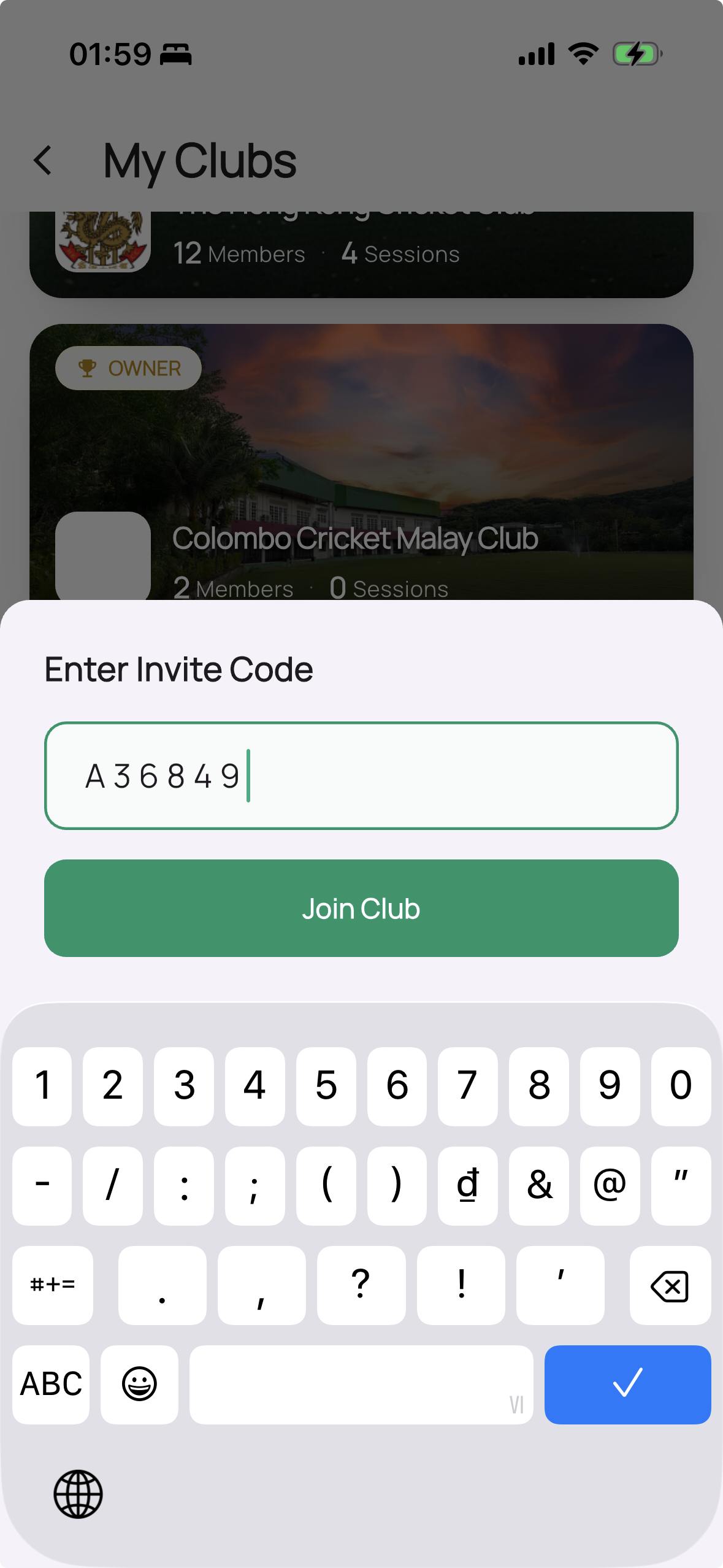
- In the app, go to the clubs area.
- Choose Join with invite code.
- Enter the code your coach gave you and confirm.
You join the club as a player.
Option B — accept an email invite
Section titled “Option B — accept an email invite”If your coach invited you by email, you may already be added to the club when you sign up with that email — or you’ll see a pending invitation to accept in the app.
Pending vs active
Section titled “Pending vs active”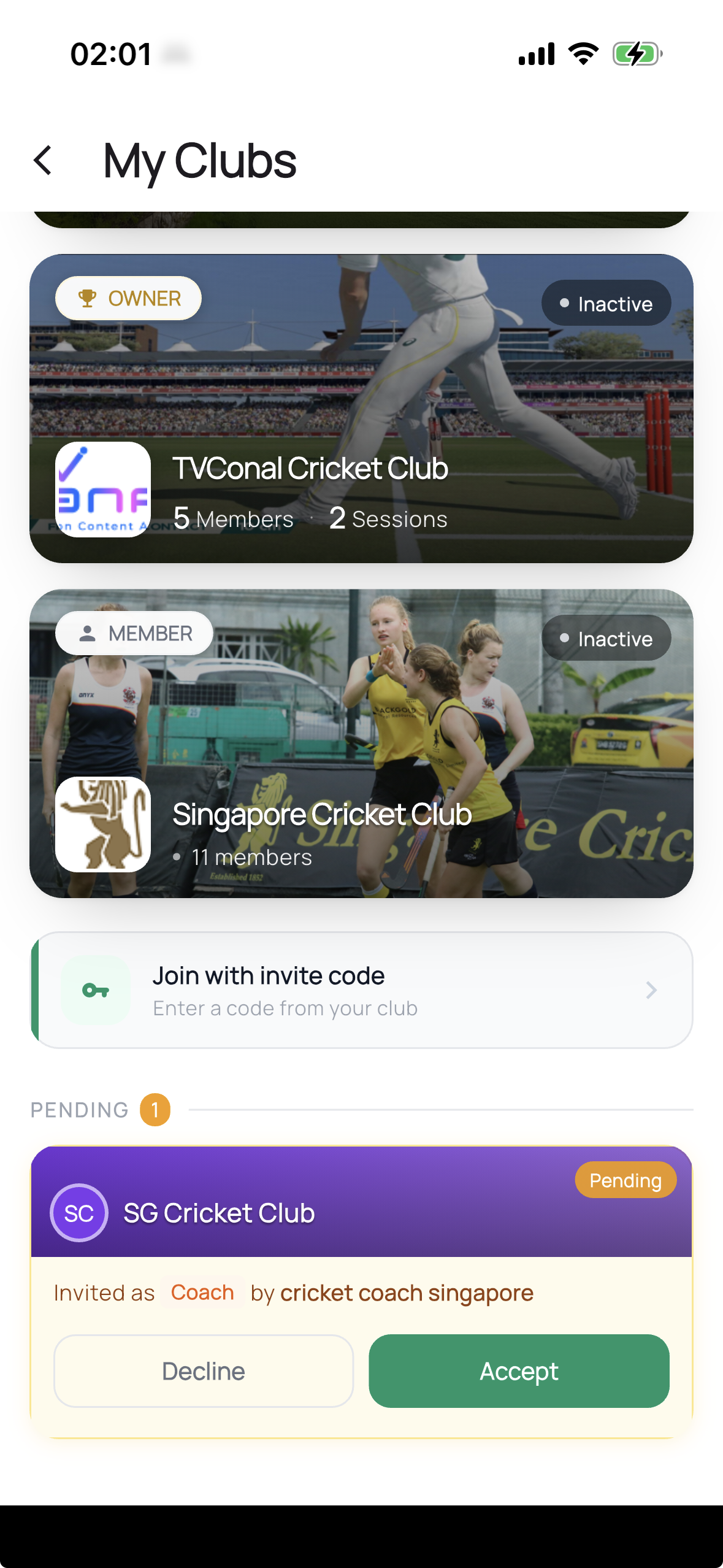
Depending on your club’s settings, you might show as pending until a coach or admin approves you. Once approved, you’re an active member and can see the club’s roster and sessions.
Next: record a session.