
Install & sign up
Players use the Matcha mobile app to join their club, record batting sessions, and view analysis. Start here.
1. Install the app
Section titled “1. Install the app”Download Matcha from your phone’s app store (iOS or Android) and open it.


2. Create your account
Section titled “2. Create your account”The app walks you through a short intro, then offers Log In or Sign Up. Choose Sign Up.
- Enter your email address.
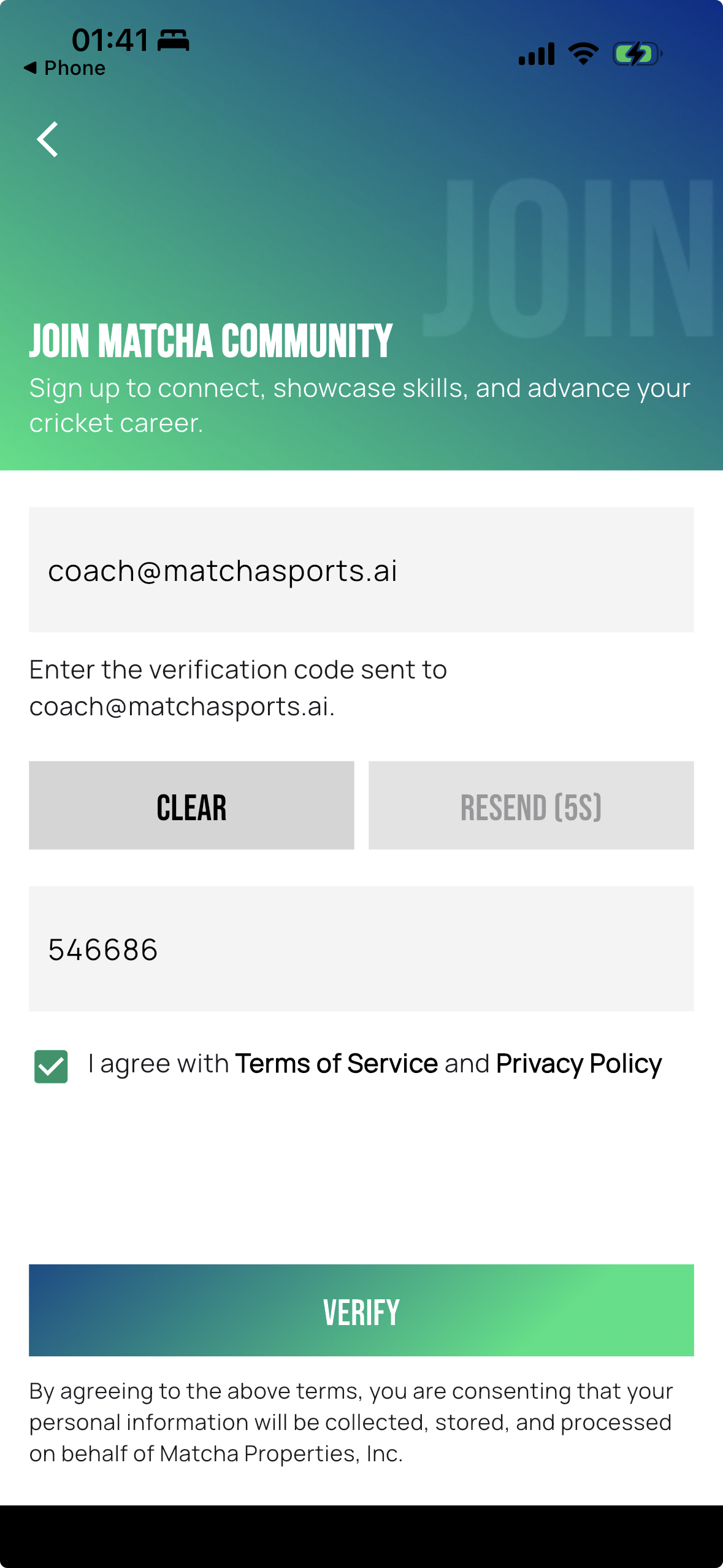
- Matcha emails you a 6-digit code. Enter it in the app to verify your email.
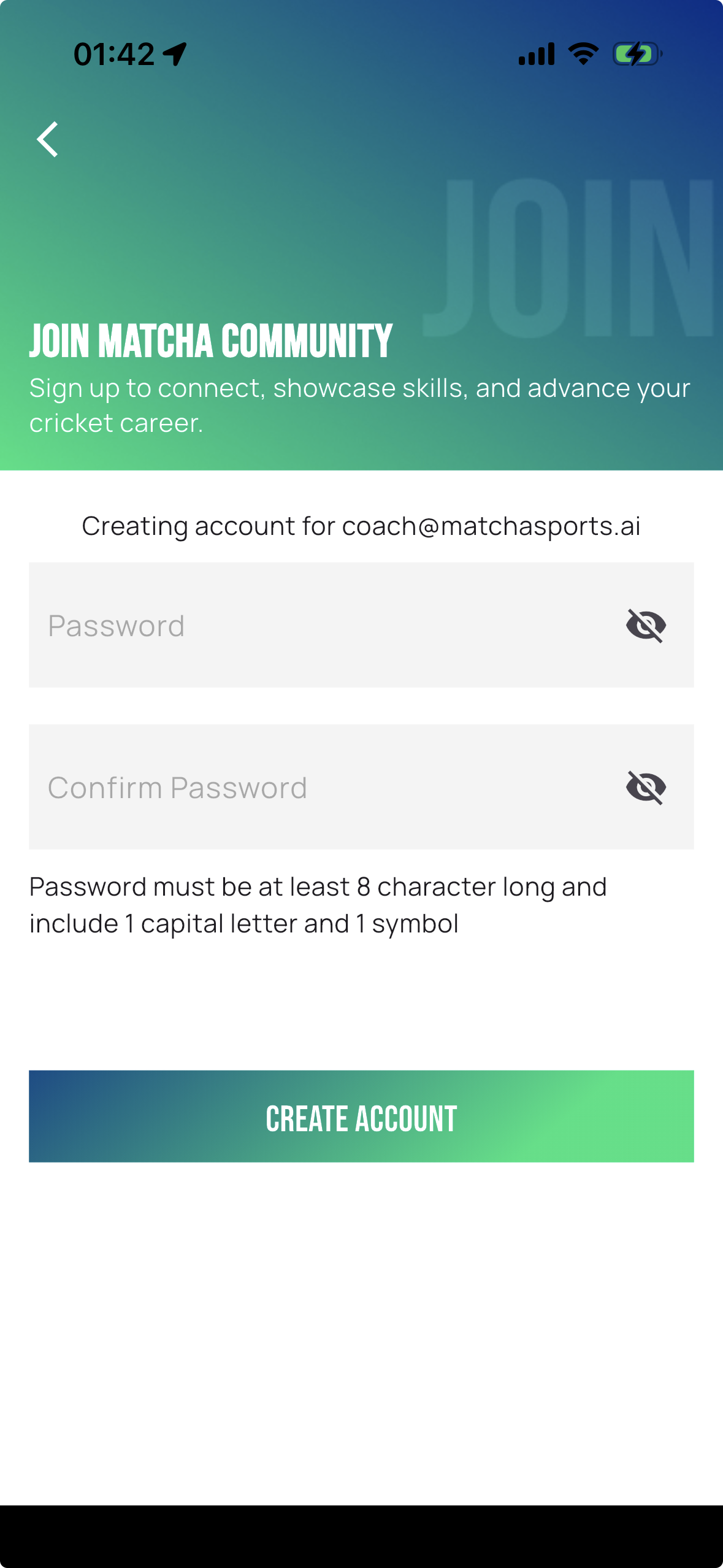
- Set a password (and confirm it).
That’s it — you’re signed in.
Already have an account?
Section titled “Already have an account?”Choose Log In and enter your email and password. Forgot your password? Use the password reset option on the login screen.
Next: join your club.