
Overview (for coaches & club admins)
Coaches and club admins work in the Matcha web portal — a website, not the mobile app. From the portal you manage your club’s members, rosters, and the review of players’ delivery analysis.
Signing in
Section titled “Signing in”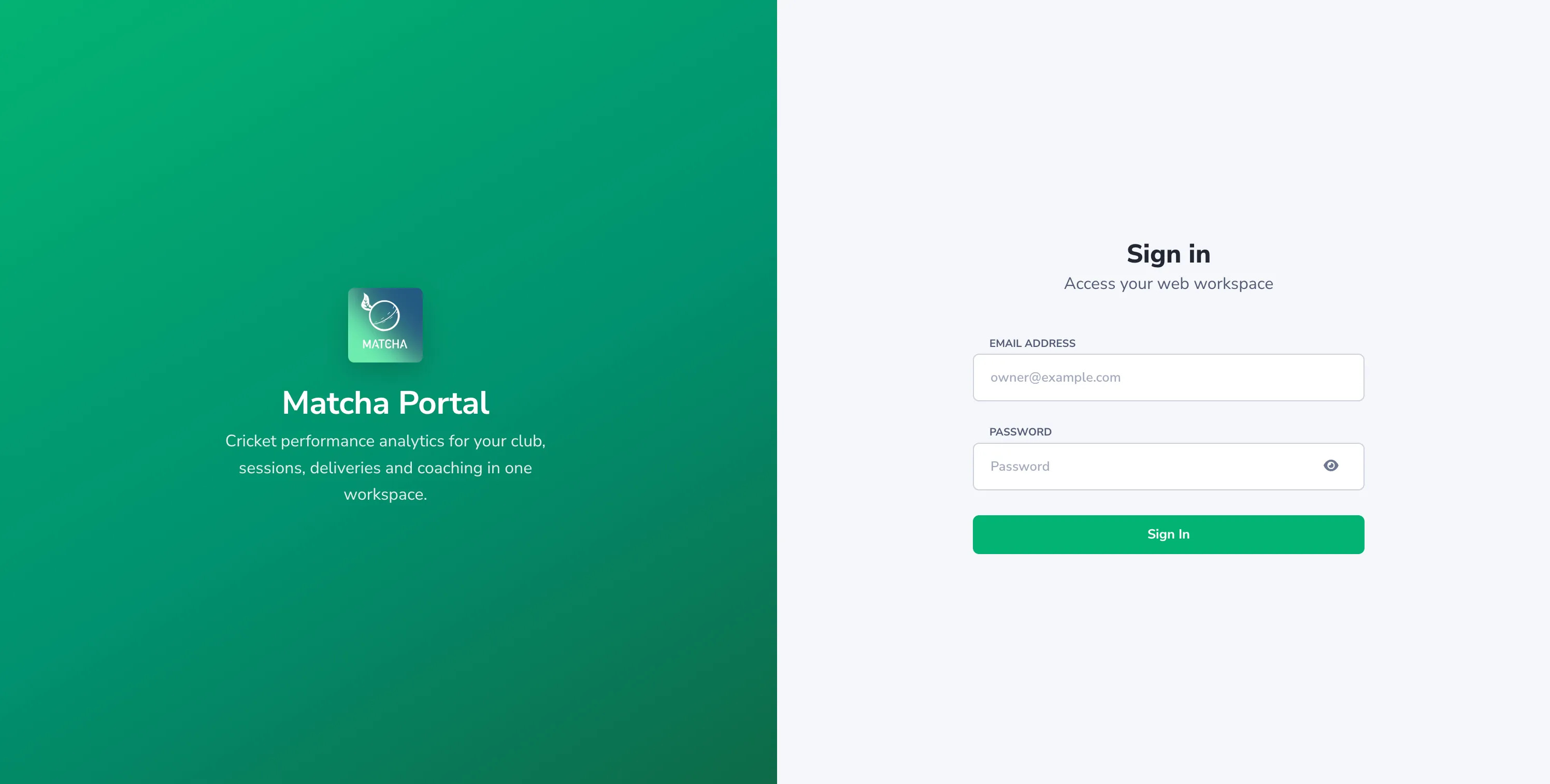
- Open the portal in a web browser: portal.matchasports.ai. Your club admin (or the Matcha team) can also give you the address directly.
- Sign in with the email your invite was sent to.
- If this is your first time and you were provisioned by an admin, you’ll be asked to set a password before you can sign in normally.
What you can do here
Section titled “What you can do here”| Task | Page |
|---|---|
| Understand how clubs get created | Create or claim your school/club |
| Invite other coaches | Invite coaches |
| Invite players & build rosters | Invite & roster players |
New to the whole flow? Read the concierge invite flow for the end-to-end picture from an empty club to players recording sessions.